See it in action.
A complete redesign — not a skin.
-

Dashboard -
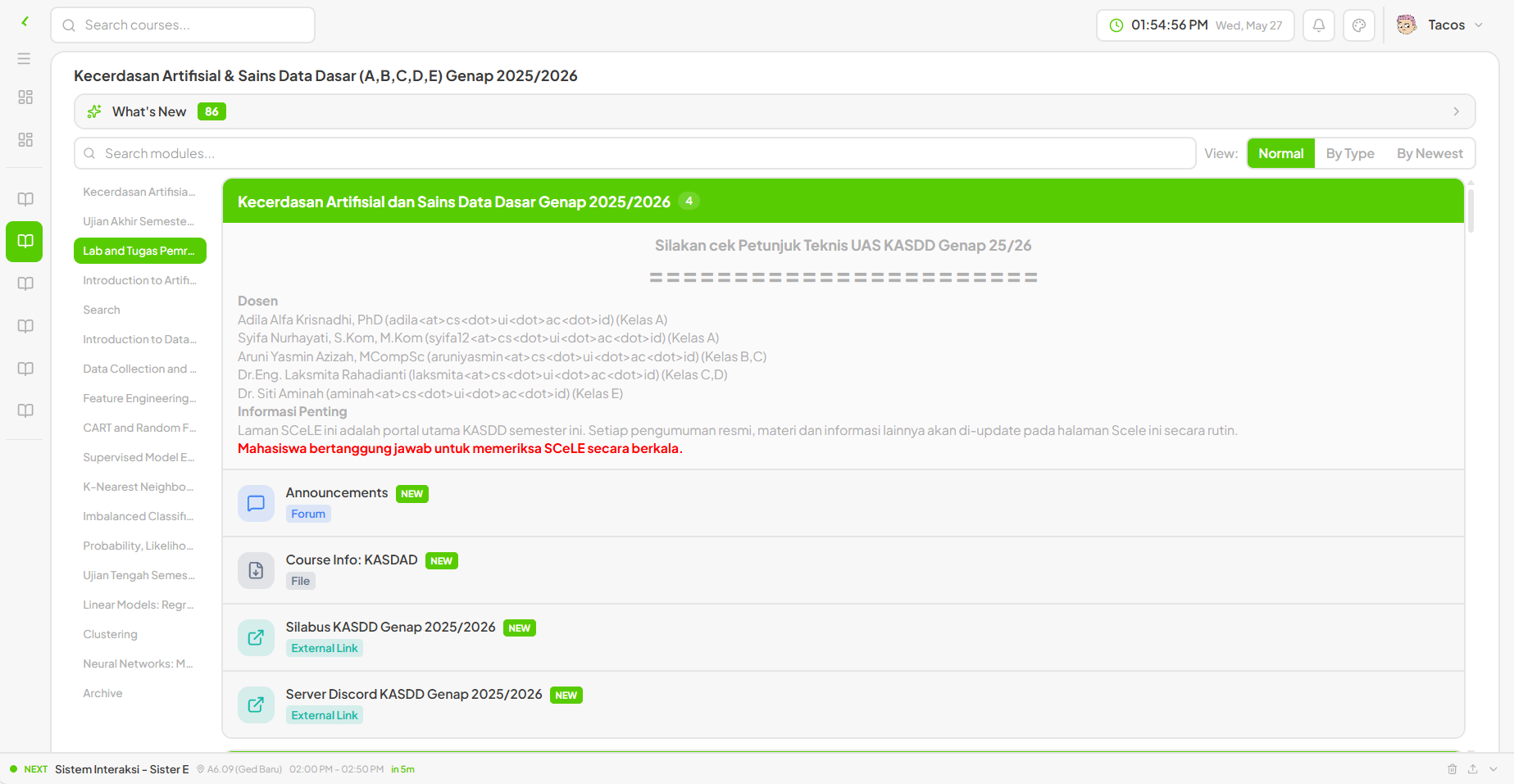
Course view -
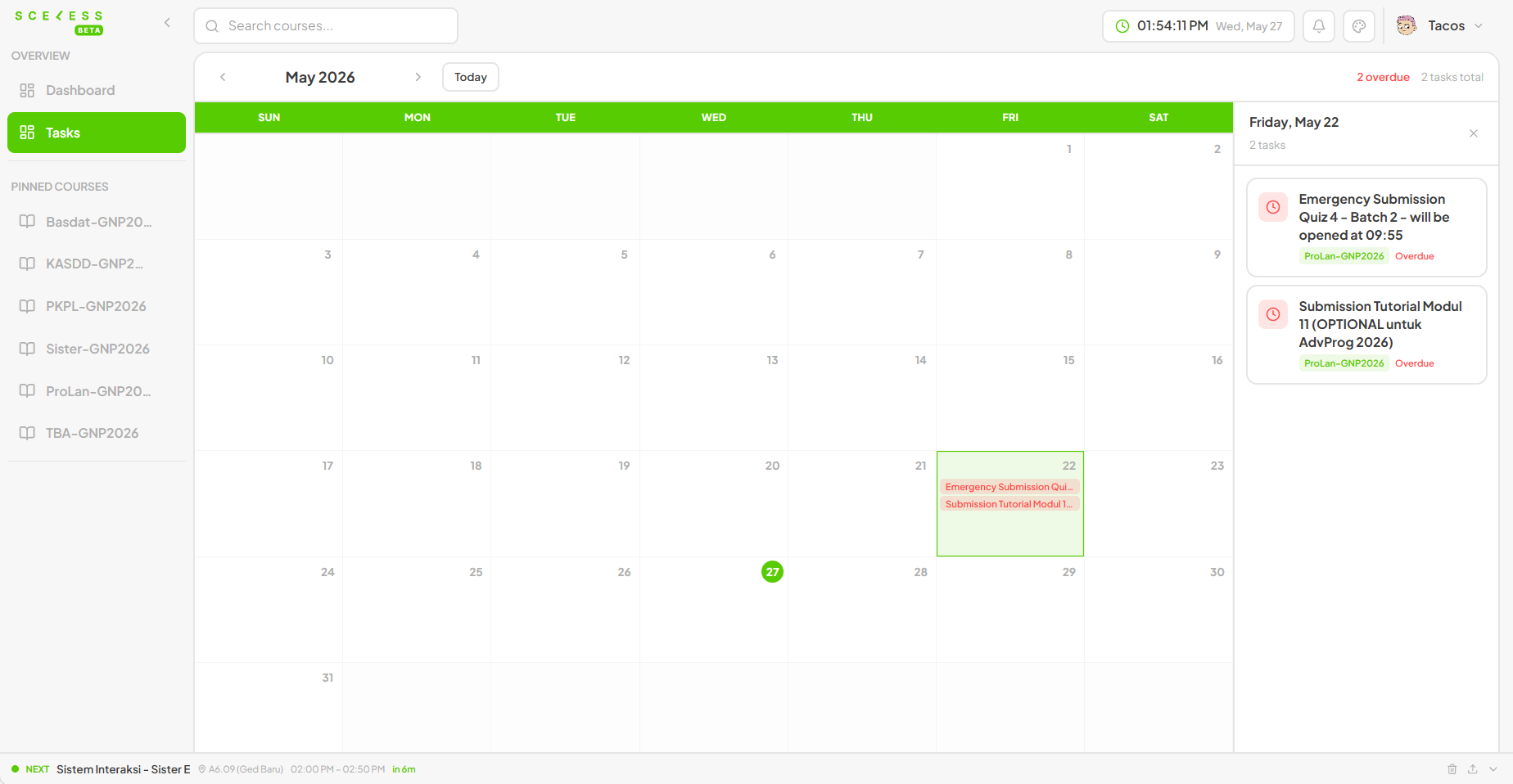
Tasks calendar -
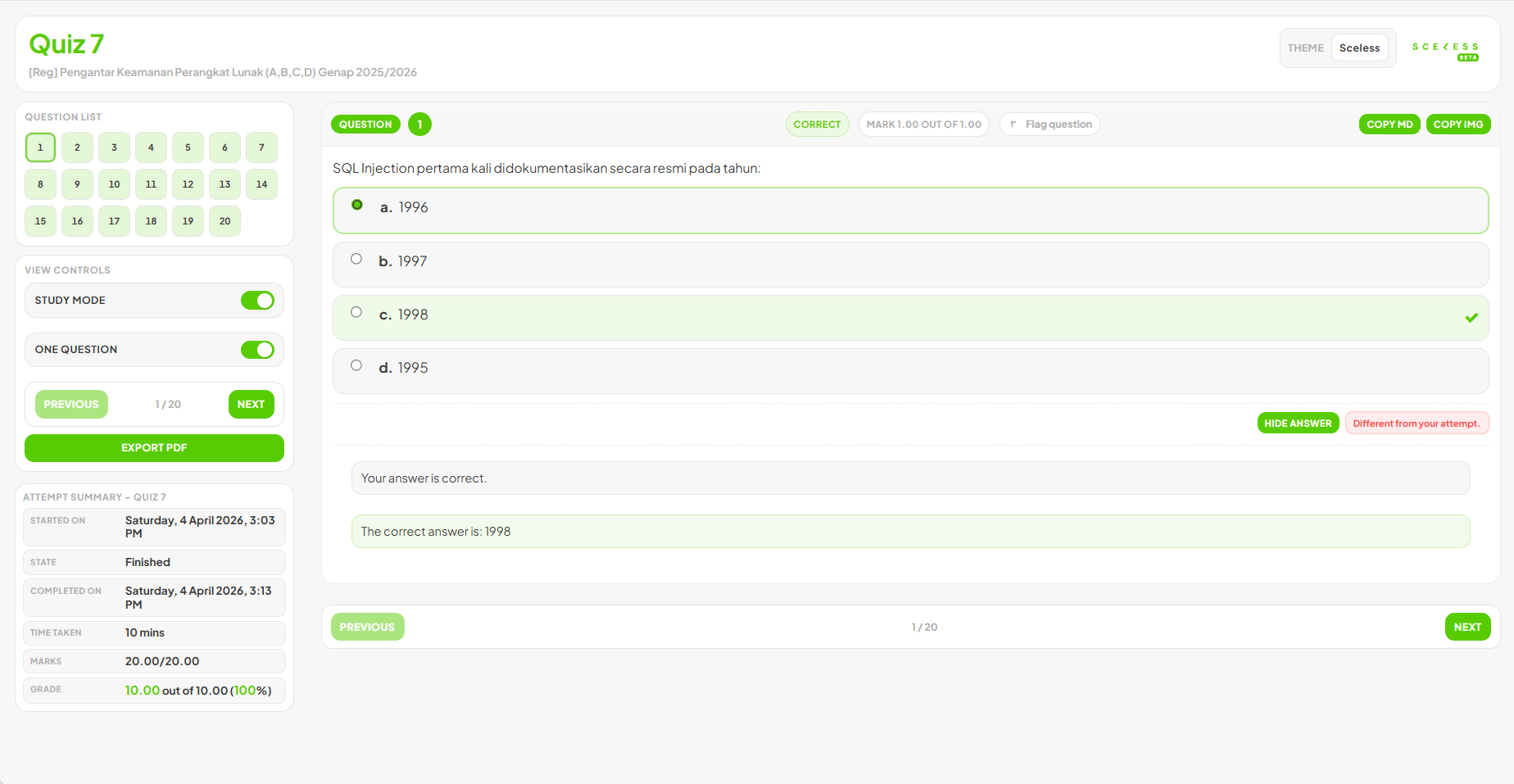
Quiz review -
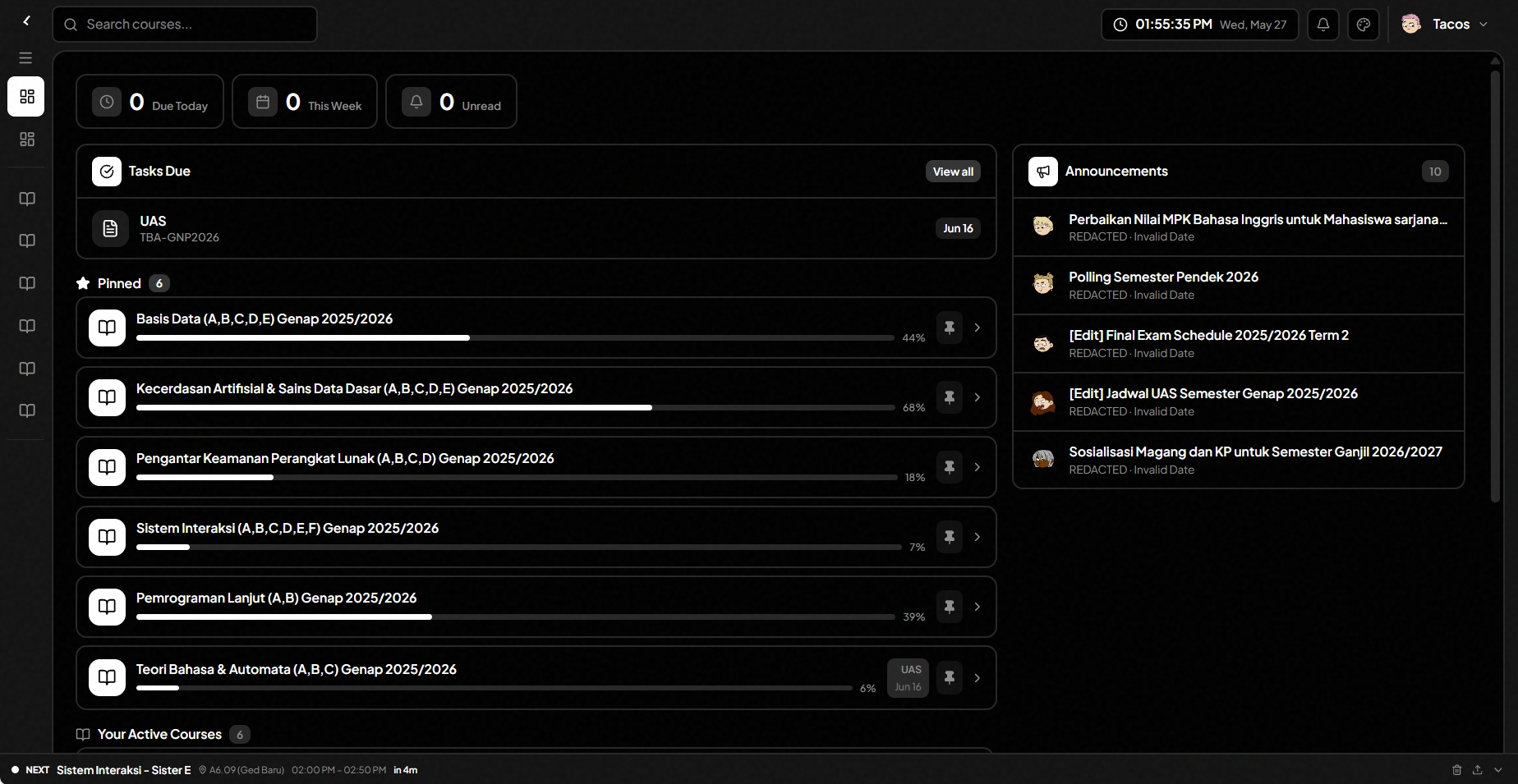
Dark mode
Everything you need.
Sceless rethinks every part of SCELE.
Dashboard at a glance
Upcoming deadlines, pinned courses, announcements with inline attachments — organized where you need them.
Browse your way
Group modules by type, date, or newest. With a live table of contents.
Tasks calendar
Every deadline across every course in a Google Calendar-style monthly view.
Study smarter
Redesigned quiz review: study mode, one-at-a-time view, PDF export, copy as Markdown.
Choose your theme.
Every theme from the extension, live on this page.
Up in three steps.
01
Install the extension
Add Sceless to Chrome in one click from the Chrome Web Store.
02
Log in to SCELE
Your existing SCELE credentials work — no new account needed.
03
Experience the difference
Sceless takes over the SCELE UI the moment you visit the site.
Install manually.
Prefer to install from source? Grab the latest release and sideload it.
Download latest release →
Open source soon
Chrome / Edge
Load unpacked- 1 Download the
.zipfrom releases and extract it - 2 Open
chrome://extensions, enable Developer mode - 3 Click Load unpacked and select the extracted folder
Firefox
Add-ons store or sideload- 1 Download the
-firefox.zipfrom releases - 2 Open
about:addons→ gear icon → Install Add-on From File - 3 Select the zip — done